
Top Content Management Systems for Website Development
Choosing a content management system is one of the most important decisions you make when building a website. It determines how easily you can update content, how flexible your site will be in the future, and how well it supports marketing, SEO, and scalability.
With so many CMS platforms available today, businesses often feel stuck deciding which one is right. Some platforms focus on simplicity, others on customization, and some are built specifically for ecommerce or large scale applications.
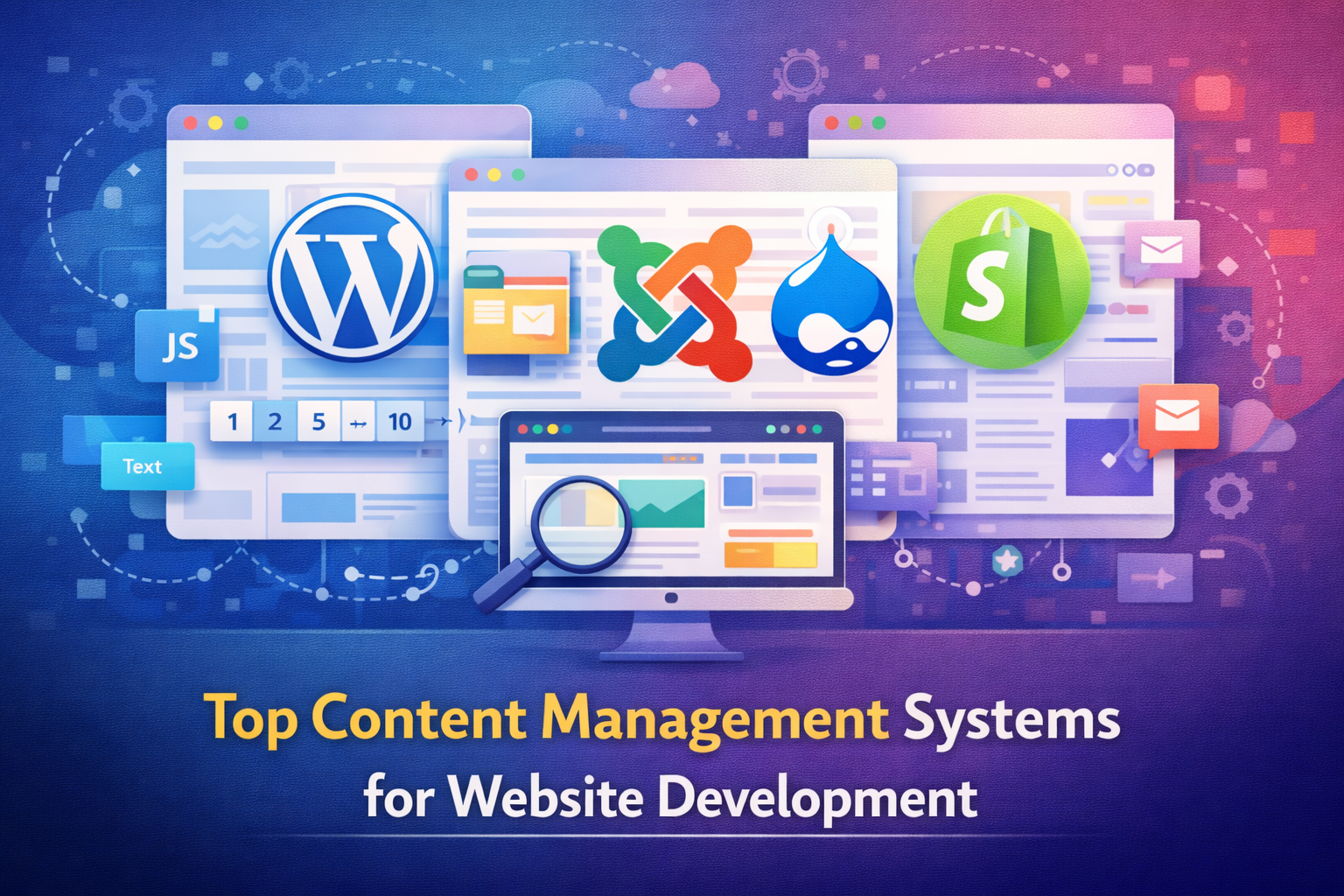
This guide walks you through the top content management systems for website development, explains where each one shines, and helps you understand which option makes sense for your goals.
Why Choosing the Right CMS Matters
Your CMS is not just a publishing tool. It affects your entire digital operation.
The right CMS helps you:
- Manage content without technical frustration
• Scale your website as your business grows
• Improve SEO and performance
• Reduce long term maintenance costs
• Support marketing and integrations
The wrong CMS creates bottlenecks, limits growth, and often leads to costly rebuilds later.
WordPress
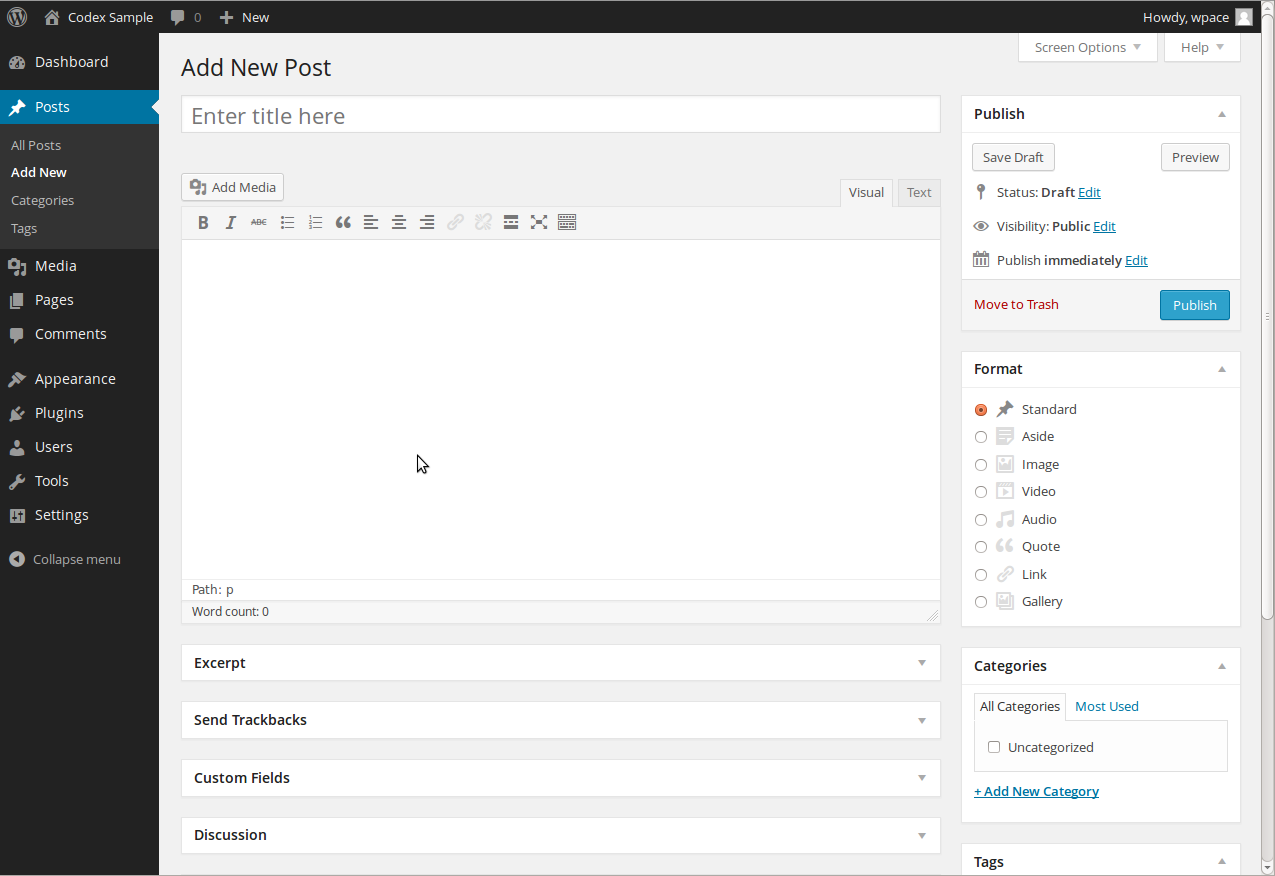
WordPress is the most widely used content management system in the world, and for good reason. It offers flexibility, ease of use, and a massive ecosystem of plugins and themes.
WordPress works best for:
- Business websites
• Blogs and content driven platforms
• Marketing focused websites
• Service based companies
Its strength lies in customization and SEO friendliness. With the right setup, WordPress can power anything from a simple blog to a complex corporate site.
Shopify
Shopify is designed specifically for ecommerce. It removes much of the technical complexity involved in selling online.
Shopify is ideal for:
- Online stores
• Product based businesses
• Brands that want fast setup
• Businesses focused on sales rather than development
It handles hosting, security, and payments smoothly. The tradeoff is limited customization compared to open platforms, but for many ecommerce brands, simplicity wins.
Webflow
Webflow combines visual design freedom with CMS functionality. It allows designers to build custom layouts without heavy coding.
Webflow works well for:
- Design focused websites
• Marketing teams that value visuals
• Small to mid size business sites
• Agencies building branded experiences
Webflow offers clean code and strong performance, but content management can feel less intuitive for non designers.
Drupal
Drupal is a powerful CMS built for complex and large scale websites. It offers advanced content control and strong security features.
Drupal is best suited for:
- Enterprise websites
• Government or institutional platforms
• Content heavy and structured sites
• Projects with dedicated development teams
Drupal offers deep customization, but it has a steeper learning curve and requires technical expertise.
Joomla
Joomla sits between WordPress and Drupal in terms of complexity and flexibility.
Joomla works well for:
- Community based websites
• Membership platforms
• Medium complexity projects
While capable, Joomla has a smaller ecosystem compared to WordPress, which can limit plugin and theme options.
Headless Content Management Systems
Headless CMS platforms separate content from presentation. Content is managed in one place and delivered to different platforms through APIs.
Headless CMS solutions are ideal for:
- Websites with multiple front ends
• Mobile apps and web apps
• Custom digital experiences
• High performance applications
They offer flexibility and speed, but require development resources and planning.
Custom Built CMS Solutions
Some businesses choose to build a custom CMS tailored to their exact needs.
Custom CMS solutions make sense when:
- Requirements are unique
• Existing platforms are too limiting
• Integration needs are complex
• Long term scalability is critical
Custom systems offer full control but require higher upfront investment and ongoing maintenance.
Comparing CMS Platforms Based on Key Factors
When choosing a CMS, consider these factors carefully:
- Ease of use for your team
• Flexibility and customization
• SEO capabilities
• Security and updates
• Integration with marketing tools
• Scalability for future growth
• Total cost over time
No CMS is perfect for everyone. The best one aligns with your business goals and resources.
How to Choose the Right CMS for Your Website
Start by answering a few simple questions:
- What type of website are you building
• Who will manage content daily
• How often will updates be made
• Does SEO matter to your growth
• Will the site need to scale
Your answers will quickly narrow down the right CMS options.
CMS Choice Is a Long Term Decision
Switching a CMS later is possible, but it often involves migration challenges, redesigns, and downtime. Choosing wisely upfront saves time and cost in the long run.
The best CMS supports not only your website today but also where your business is heading.
In This Article
- Why CMS Selection Matters
• Overview of Popular CMS Platforms
• WordPress Strengths
• Shopify for Ecommerce
• Webflow for Design Flexibility
• Drupal and Joomla Use Cases
• Headless CMS Explained
• Custom CMS Considerations
• Key Comparison Factors
• How to Choose the Right CMS
Frequently Asked Questions
Is WordPress the best CMS for all websites
No. WordPress works well for many use cases, but ecommerce or complex platforms may need different solutions.
Which CMS is best for ecommerce
Shopify is one of the easiest and most reliable ecommerce CMS platforms.
What is a headless CMS
A headless CMS manages content separately from how it is displayed, offering more flexibility.
Is a custom CMS worth the cost
It can be, but only when existing platforms cannot meet your requirements.
Can I change my CMS later
Yes, but migration requires planning and technical support.