
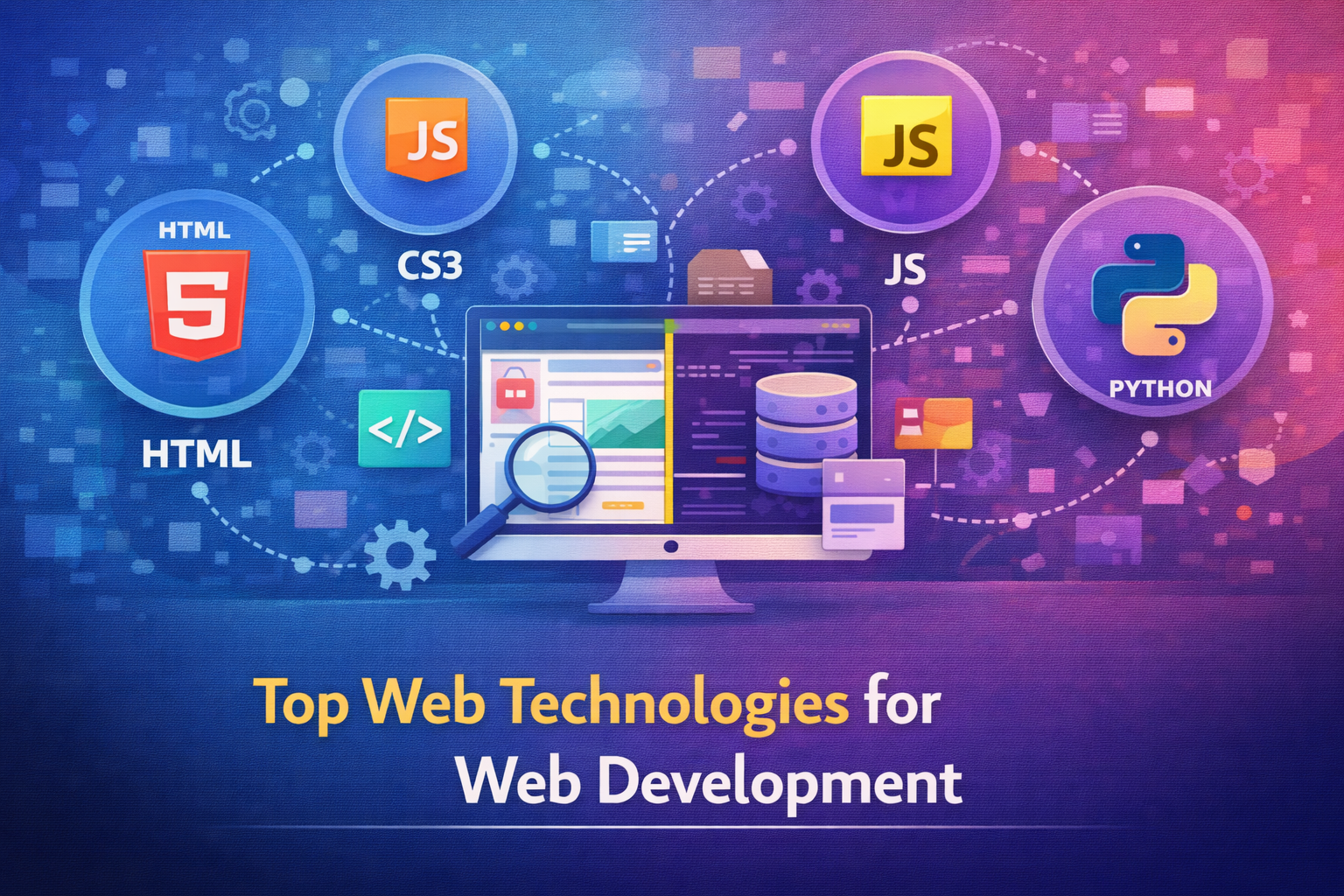
Top Web Technologies for Web Development
Web development has evolved rapidly over the past few years. Websites are no longer static pages with simple layouts. Today’s users expect fast loading, smooth interactions, mobile friendly experiences, and seamless functionality across devices. Behind all of this sits a powerful stack of modern web technologies.
For businesses, developers, and decision makers, understanding web technologies is no longer optional. The tools you choose directly affect performance, scalability, security, and long term maintenance.
This guide breaks down the top web technologies used in modern web development and explains where each one fits best.
Why Web Technologies Matter in Modern Development
Web technologies define how a website is built, how it performs, and how easily it can scale.
The right technology stack helps you:
- Build faster and more reliable websites
• Improve user experience
• Support SEO and performance
• Integrate marketing and analytics tools
• Scale features as your business grows
The wrong stack can slow development, increase costs, and limit future growth.
Core Front End Web Technologies
Front end technologies control everything users see and interact with in their browsers. They shape design, usability, and responsiveness.
HTML
HTML forms the structure of every website. It defines headings, paragraphs, links, images, and page layout.
HTML is essential because:
- It creates the foundation of web pages
• It helps search engines understand content
• It supports accessibility and structure
Every modern website starts with clean and semantic HTML.
CSS
CSS controls how a website looks. It handles colors, fonts, layouts, spacing, and responsiveness.
CSS is used to:
- Create visually appealing designs
• Ensure consistency across pages
• Build responsive layouts for mobile devices
Modern CSS techniques allow developers to create flexible and dynamic designs without heavy code.
JavaScript
JavaScript adds interactivity to websites. It enables dynamic content updates, animations, form validation, and real time interactions.
JavaScript powers:
- Interactive user interfaces
• Dynamic content loading
• Front end logic and events
• Modern web applications
Most modern websites rely heavily on JavaScript for smooth user experiences.
Popular Front End Frameworks and Libraries
Frameworks speed up development and improve code organization.
React
React is one of the most popular front end libraries used to build fast and interactive interfaces.
React is ideal for:
- Single page applications
• Dynamic user interfaces
• Scalable front end projects
Its component based structure makes development more efficient.
Vue
Vue is known for simplicity and flexibility. It is easier to learn and integrates well with existing projects.
Vue works well for:
- Small to mid size applications
• Projects needing gradual upgrades
• Teams seeking simplicity
Angular
Angular is a full featured front end framework suitable for complex applications.
Angular is best for:
- Large scale projects
• Enterprise applications
• Structured development environments
Back End Web Technologies
Back end technologies handle server logic, databases, and application functionality.
Server Side Languages
Common server side technologies include:
- JavaScript based back end environments
• PHP for content driven websites
• Python for data heavy applications
These languages handle data processing, authentication, and application logic.
Databases
Databases store and manage website data.
Popular options include:
- Relational databases for structured data
• NoSQL databases for flexible data storage
Choosing the right database affects performance and scalability.
Content Management Systems
CMS platforms simplify content management and website updates.
Popular CMS technologies include:
- WordPress for content driven websites
• Ecommerce focused platforms
• Headless CMS solutions for flexibility
CMS technologies reduce development time and empower non technical users.
Ecommerce Technologies
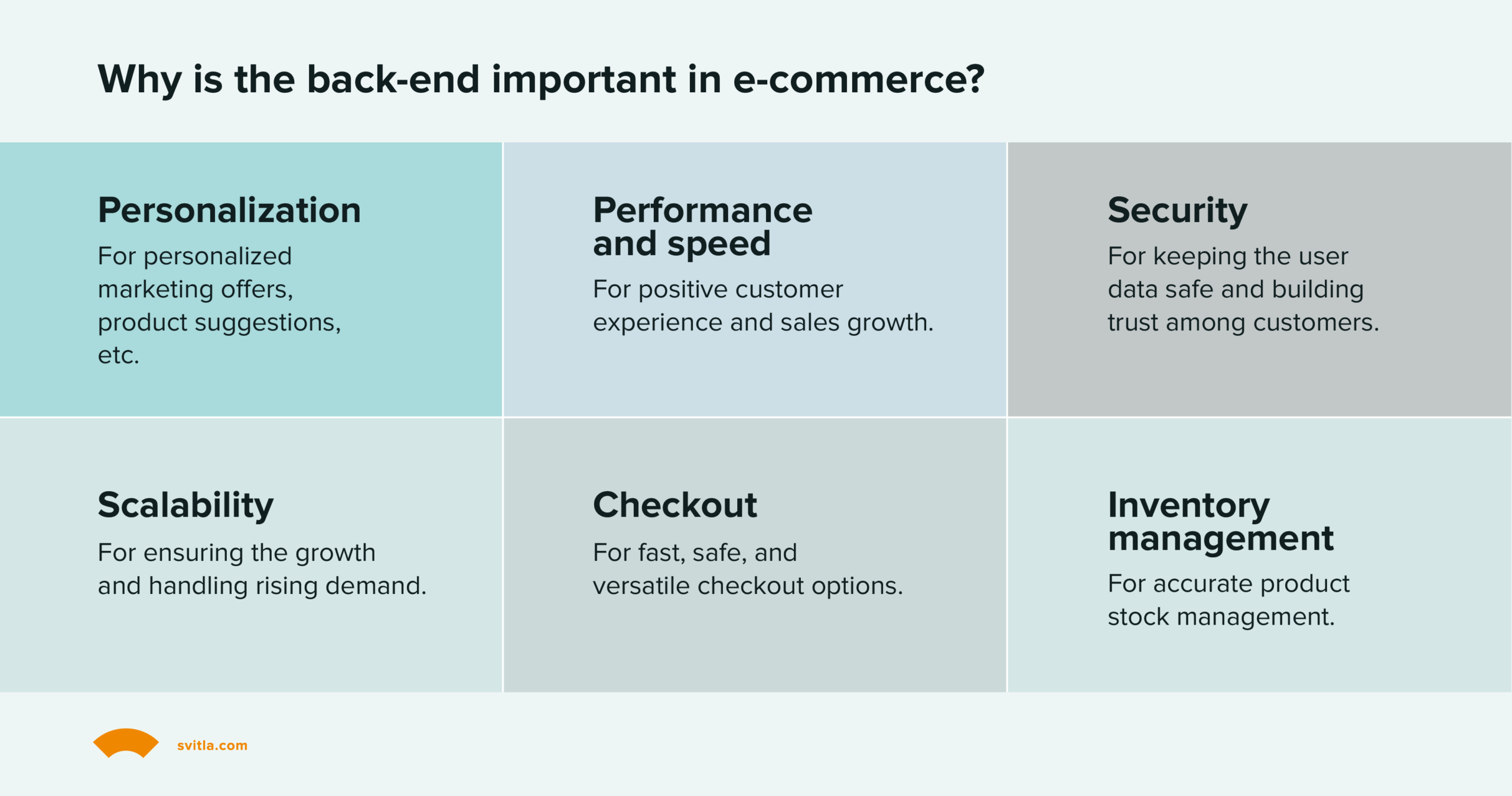
Ecommerce websites require specialized tools.
Key ecommerce technologies support:
- Product management
• Payment processing
• Inventory control
• Order tracking
The right ecommerce technology ensures smooth shopping experiences.
APIs and Integrations
Modern websites rarely work alone. APIs allow different systems to communicate.
APIs enable:
- Third party integrations
• Data exchange
• Marketing automation
• Analytics tracking
APIs make websites more powerful and connected.
Performance and Optimization Technologies
Speed is critical for user experience and SEO.
Optimization technologies focus on:
- Faster page loading
• Efficient asset delivery
• Improved caching
• Reduced server response time
Performance optimization improves engagement and conversion rates.
Security Technologies
Security technologies protect websites from threats.
Important security practices include:
- Secure hosting
• SSL certificates
• Regular updates
• Backup systems
Security should be part of development from the start.
Choosing the Right Web Technologies
There is no single best technology stack. The right choice depends on your goals.
Consider:
- Website purpose
• Budget and timeline
• Team expertise
• Scalability needs
• Maintenance requirements
Technology should support your business, not complicate it.
Web Technologies Are Constantly Evolving
Web development continues to evolve as user expectations rise. Staying updated helps businesses remain competitive and future ready.
The best approach is choosing proven technologies while remaining flexible for future improvements.
In This Article
- Importance of Web Technologies
• Core Front End Technologies
• Front End Frameworks
• Back End Technologies
• Databases
• Content Management Systems
• Ecommerce Technologies
• APIs and Integrations
• Performance Optimization
• Security Technologies
• Choosing the Right Stack
Frequently Asked Questions
Do I need to know all web technologies to build a website
No. Understanding the basics is enough to make informed decisions.
Which web technology is best for beginners
CMS platforms and simple front end tools are beginner friendly.
Are modern frameworks necessary for every website
No. Simple websites often perform better with minimal technology.
How often do web technologies change
Trends change frequently, but core technologies remain stable.
Should businesses update their technology stack regularly
Yes. Periodic updates improve performance, security, and scalability.