

How to Add Secure Payment Gateways to Your Website
Accepting online payments is no longer optional for modern businesses. Whether you are running an ecommerce store, offering services, or selling digital products, your website must support secure and reliable payment processing. Customers expect smooth checkouts, multiple payment options, and complete data security.
Adding a secure payment gateway to your website is not just about collecting money. It is about building trust, protecting user data, and ensuring transactions happen without friction.
This guide explains how payment gateways work, how to choose the right one, and how to add secure payment gateways to your website correctly.
What Is a Payment Gateway
A payment gateway is a technology that processes online payments by securely transferring payment information between your website, the customer, and the bank.
It performs several important tasks:
- Encrypts sensitive payment data
• Verifies transaction details
• Communicates with banks or payment processors
• Confirms successful or failed payments
Without a payment gateway, online transactions cannot happen securely.
Why Payment Security Matters
Security is the foundation of online payments. Customers trust your website with sensitive information such as card numbers and personal details.
Secure payment gateways help:
- Prevent fraud and data breaches
• Protect customer information
• Build user trust and confidence
• Comply with security regulations
A single security incident can damage your brand and customer relationships.
Types of Payment Gateways
Understanding different gateway types helps you choose the best option.
Hosted Payment Gateways
Hosted gateways redirect users to a secure external payment page.
They are popular because:
- Security is handled by the provider
• Setup is simpler
• Compliance requirements are reduced
However, redirection can slightly affect user experience.
Integrated Payment Gateways
Integrated gateways allow customers to complete payments directly on your website.
Benefits include:
- Seamless checkout experience
• Better branding control
• Higher conversion rates
These gateways require more security setup and technical support.
Choosing the Right Payment Gateway
Not all payment gateways suit every business.
When choosing one, consider:
- Supported payment methods
• Transaction fees
• Security features
• Integration compatibility
• Geographic availability
• Customer support
Selecting the right gateway balances cost, convenience, and security.
Security Standards You Must Follow
Security compliance is essential when handling payments.
Key standards include:
- SSL encryption
• PCI DSS compliance
• Secure authentication protocols
• Regular security updates
Most reputable gateways help maintain compliance, but your website must also be secure.
Steps to Add a Secure Payment Gateway
Adding a payment gateway involves several steps.
Step 1: Prepare Your Website
Ensure your website is ready by:
- Installing an SSL certificate
• Updating software and plugins
• Securing hosting environment
Security starts before integration.
Step 2: Choose a Trusted Payment Provider
Select a provider known for reliability and security.
Look for:
- Strong fraud prevention tools
• Transparent pricing
• Positive reviews
• Reliable uptime
Avoid unverified or low cost options that compromise security.
Step 3: Integrate the Payment Gateway
Integration depends on your platform.
You may:
- Install a plugin or extension
• Use API based integration
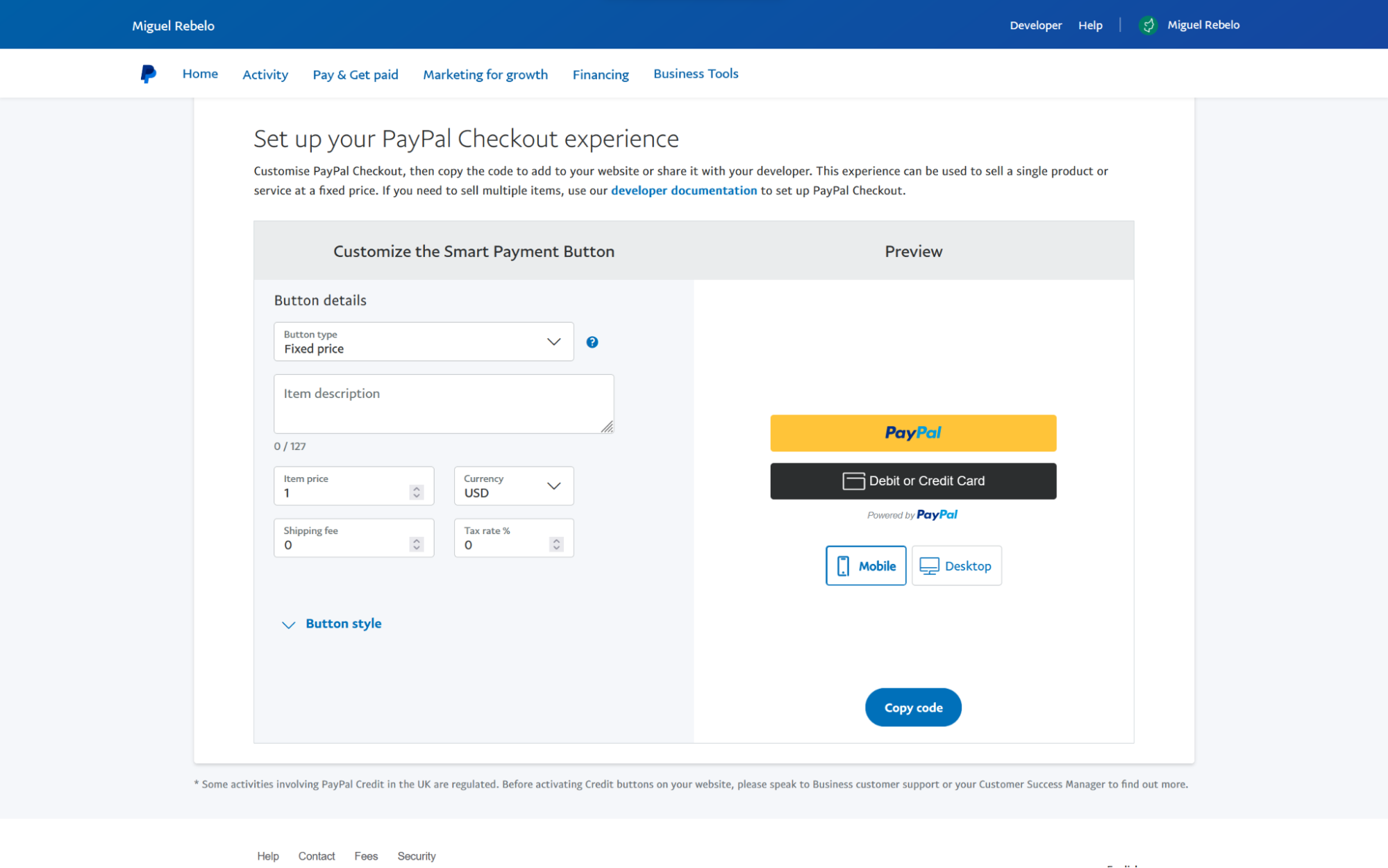
• Configure checkout settings
Follow the provider’s documentation carefully.
Step 4: Test Transactions Thoroughly
Before going live, test everything.
Testing should include:
- Successful payments
• Failed transactions
• Refunds
• Mobile and desktop checkout
Testing prevents errors and ensures a smooth user experience.
Step 5: Enable Fraud Protection Features
Most gateways offer built in fraud prevention.
Activate features such as:
- Address verification
• Two factor authentication
• Transaction monitoring
• Risk scoring
Fraud prevention protects both you and your customers.
Optimizing Checkout for Better Conversions
Security should not come at the cost of usability.
Optimize checkout by:
- Reducing form fields
• Offering multiple payment options
• Displaying security badges
• Keeping checkout fast and simple
A smooth checkout improves trust and completion rates.
Common Payment Gateway Mistakes to Avoid
Avoid these common errors:
- Ignoring security updates
• Using outdated plugins
• Failing to test transactions
• Hiding payment fees
• Offering limited payment options
Small mistakes can lead to abandoned carts or security risks.