

How to Make a WordPress Website
Creating a website is no longer complicated.
With platforms like WordPress, you can launch a site without writing code.
But building a website that:
- Looks professional
- Loads fast
- Converts visitors
- Ranks on search engines
Requires more than just setup.
It requires a structured approach.
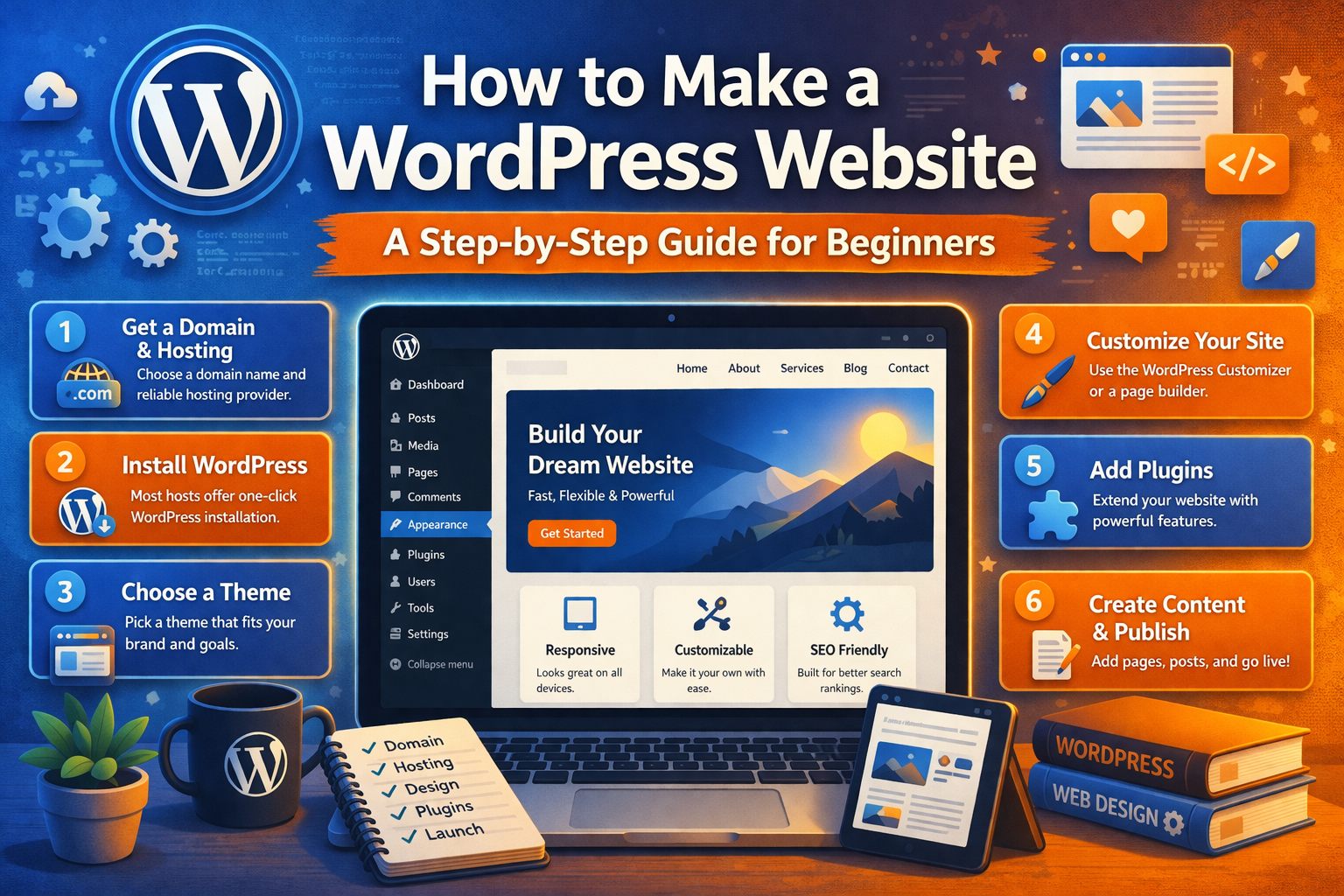
What Is WordPress and Why It Is So Popular
WordPress powers a large portion of websites globally.
It is popular because it offers:
- Flexibility
- Customization
- Scalability
Unlike closed platforms, WordPress gives you full control over your website.
This makes it suitable for:
- Business websites
- Blogs
- eCommerce stores
- Personal brands
Why a Step-by-Step Approach Matters
Many beginners:
- Skip planning
- Choose the wrong setup
- Focus only on design
This leads to:
- Poor performance
- Weak SEO
- Low conversions
A structured process helps you build it right from the start.
Step 1: Choose a Domain Name
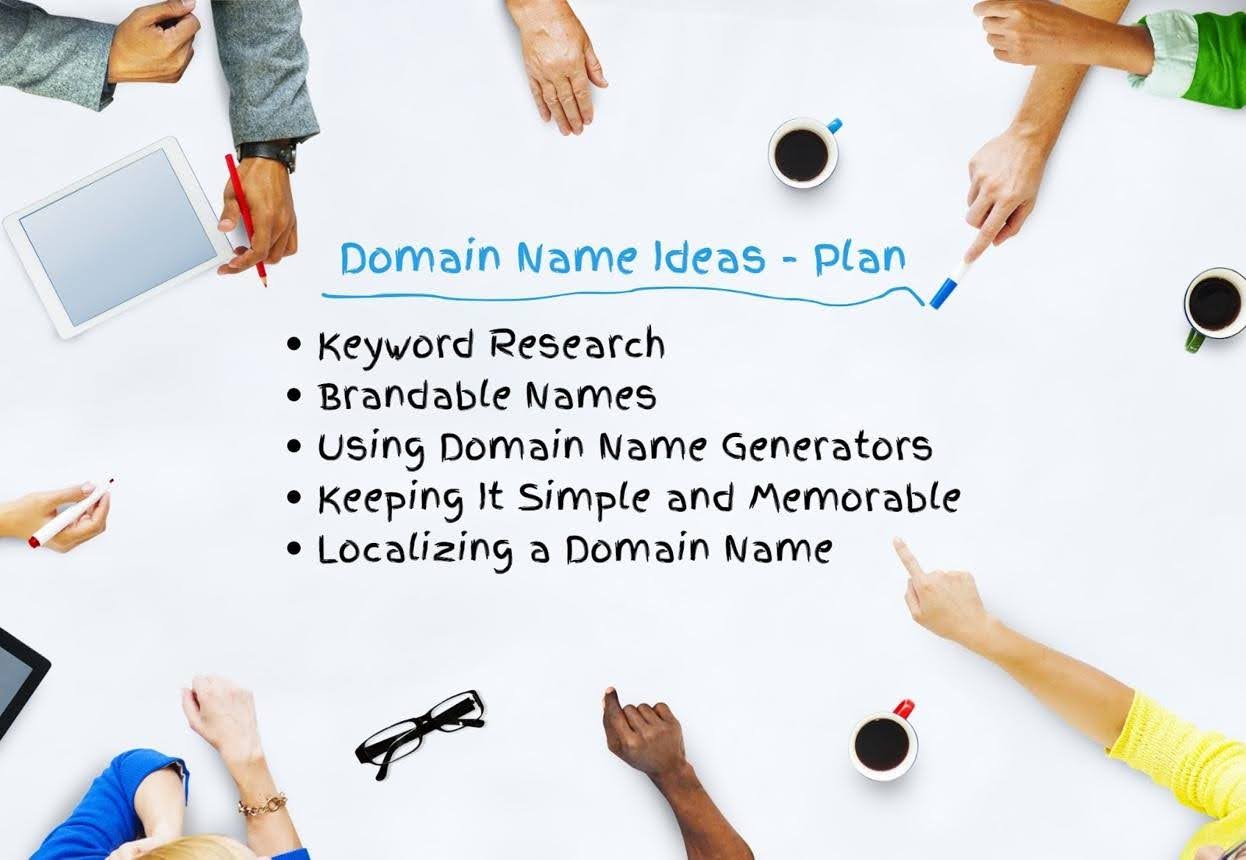
Your domain is your website’s identity.
Choose a name that:
- Is easy to remember
- Reflects your brand
- Is simple to type
A strong domain builds credibility.
Step 2: Select Hosting for Your Website
Hosting is where your website lives.
Good hosting ensures:
- Fast loading speed
- Reliable uptime
- Security
Choosing the right hosting impacts performance.
Step 3: Install WordPress
Most hosting providers offer one-click installation.
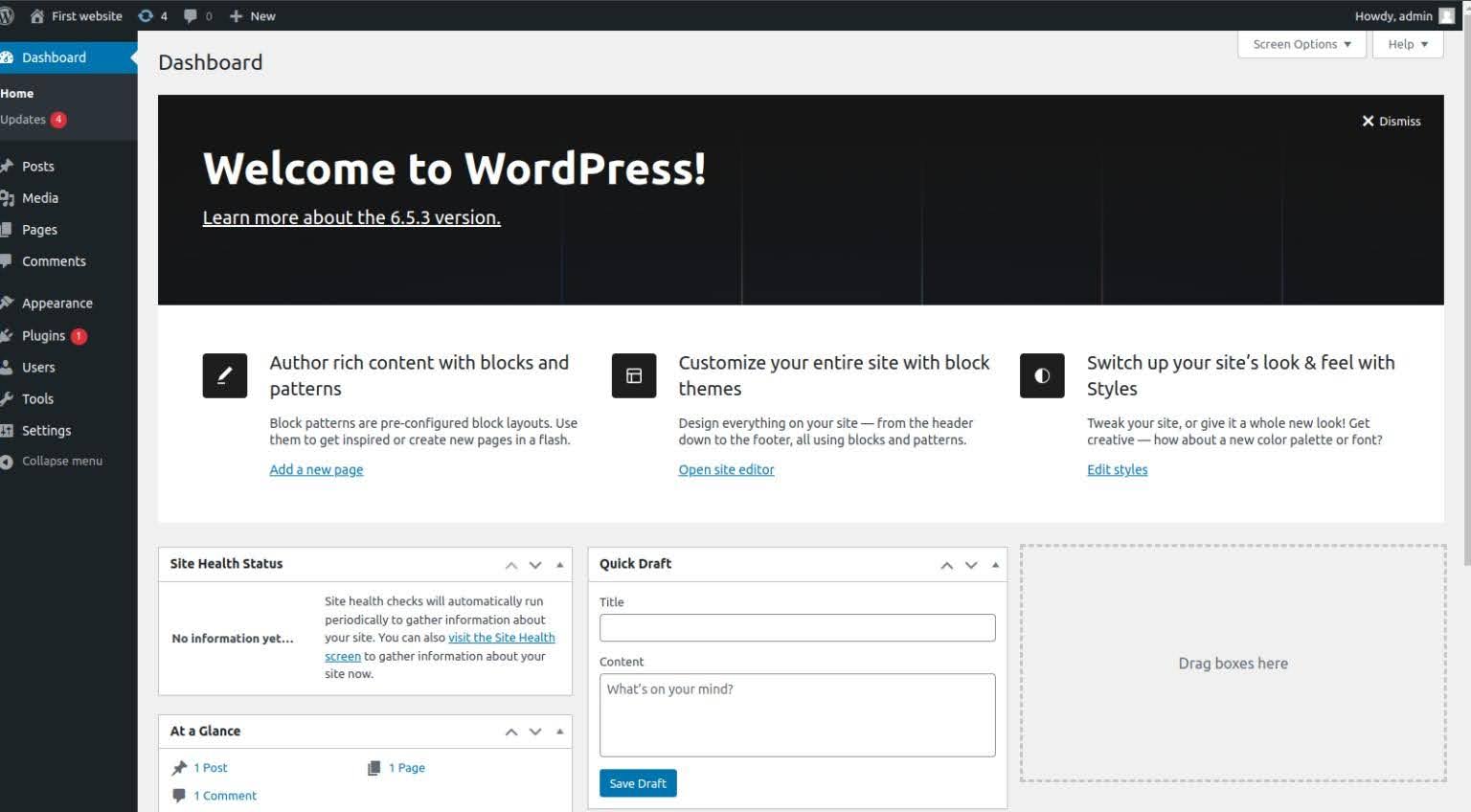
Once installed, you can access your dashboard and start building.
This is where your website comes to life.
Step 4: Choose a Theme (Design Layout)
A theme defines your website’s appearance.
Choose a theme that:
- Matches your business style
- Is responsive
- Loads quickly
Avoid overly complex themes.
Simplicity improves usability.
Step 5: Customize Your Website Design
Customization turns a template into your brand.
Focus on:
- Colors and typography
- Layout structure
- Visual hierarchy
Design should guide users, not confuse them.
Step 6: Add Essential Pages
Every website needs a basic structure.
Include:
- Home
- About
- Services or Products
- Contact
These pages provide clarity and direction.
Step 7: Install Plugins for Functionality
Plugins add functionality.
Common plugins include:
- SEO tools
- Security plugins
- Performance optimization
Use only necessary plugins to avoid slowing your site.
Step 8: Optimize for SEO
SEO helps users find your website.
Focus on:
- Keywords
- Page structure
- Meta tags
- Internal linking
Search engines like Google reward well-optimized websites.
Step 9: Improve Speed and Performance
Performance affects both SEO and user experience.
Optimize:
- Images
- Hosting
- Code
Fast websites retain users.
Step 10: Test and Launch Your Website
Before launching:
- Test all pages
- Check mobile responsiveness
- Fix errors
A smooth launch ensures a good first impression.
Common Mistakes to Avoid
- Choosing a poor theme
- Using too many plugins
- Ignoring SEO
- Not optimizing speed
- Skipping mobile optimization
Avoiding these mistakes improves performance.
Is WordPress the Right Choice for You
Yes, for most use cases.
WordPress offers:
- Flexibility
- Scalability
- Full control
It is suitable for beginners and advanced users.
How Markit Media Helps You Build High-Performance WordPress Websites
At Markit Media, WordPress development goes beyond setup.
We focus on:
- Strategy and planning
- Conversion-focused design
- Performance optimization
- SEO integration
- Scalable development
The goal is to build websites that perform and grow.
Frequently Asked Questions
Do I need coding skills to use WordPress?
No, WordPress can be used without coding.
How much does it cost to build a WordPress website?
Costs vary based on design and features.
How long does it take to build a site?
From a few days to several weeks.
Is WordPress good for SEO?
Yes, it offers strong SEO capabilities.
In This Article
- WordPress Overview
- Why a Structured Approach Matters
- Domain and Hosting Setup
- Theme Selection
- Website Customization
- Essential Pages
- Plugins and Features
- SEO Optimization
- Performance Improvements
- Testing and Launch
- Common Mistakes
- Is WordPress Right
- How Markit Media Helps