
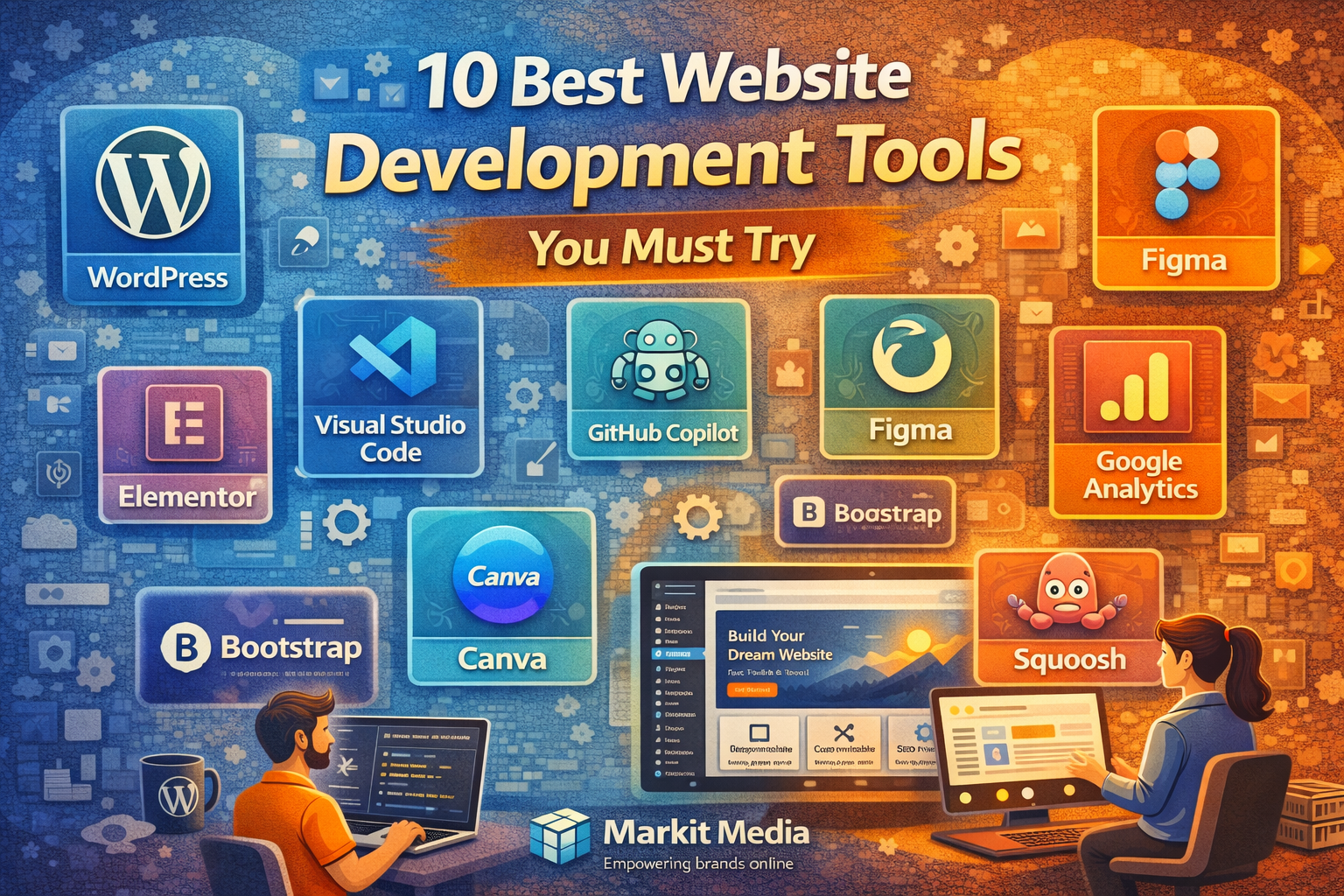
10 Best Website Development Tools You Must Try
Website development today is not just about coding.
It is about:
- Speed
- Efficiency
- Scalability
- Performance
The difference between an average website and a high-performing one often comes down to the tools used during development.
With hundreds of options available, choosing the right tools can be overwhelming.
This guide focuses on tools that actually make a difference.
What Makes a Great Website Development Tool
Not every tool adds value.
The best tools:
- Improve workflow
- Reduce development time
- Enhance performance
- Support scalability
They are not just popular.
They are practical.
1. WordPress – The Most Flexible Website Platform
WordPress is one of the most widely used website platforms.
Why it stands out:
- Highly customizable
- Large plugin ecosystem
- Suitable for all types of websites
Best for:
- Business websites
- Blogs
- eCommerce (with extensions)
2. Shopify – The Leading eCommerce Builder

Shopify is built specifically for online stores.
Why it stands out:
- Easy setup
- Built-in eCommerce features
- Scalable infrastructure
Best for:
- Online stores
- Product-based businesses
3. Webflow – Design Meets Development
Webflow allows designers to build websites visually.
Why it stands out:
- No-code design flexibility
- Clean code output
- Advanced animations
Best for:
- Designers
- Marketing websites
4. Visual Studio Code – The Developer’s Favorite Editor

Visual Studio Code is a lightweight yet powerful code editor.
Why it stands out:
- Fast and efficient
- Supports multiple languages
- Extensive extensions
Best for:
- Frontend and backend development
5. Figma – Modern UI/UX Design Tool
Figma is widely used for designing websites.
Why it stands out:
- Real-time collaboration
- Cloud-based
- Easy prototyping
Best for:
- UI/UX designers
- Teams
6. GitHub – Version Control and Collaboration
GitHub helps manage code efficiently.
Why it stands out:
- Version control
- Team collaboration
- Code backup
Best for:
- Development teams
- Large projects
7. Google Analytics – Performance Tracking Tool
Google Analytics provides insights into user behavior.
Why it stands out:
- Tracks traffic
- Measures performance
- Identifies user behavior
Best for:
- Businesses
- Marketers
8. Elementor – Drag-and-Drop WordPress Builder
Elementor simplifies website creation.
Why it stands out:
- Visual editing
- No coding required
- Fast design workflow
Best for:
- Beginners
- Agencies
9. Cloudflare – Performance and Security Optimization
Cloudflare improves speed and security.
Why it stands out:
- CDN for faster delivery
- Security protection
- Performance optimization
Best for:
- All websites
10. Netlify – Deployment Made Simple
Netlify simplifies deployment.
Why it stands out:
- Easy deployment
- Continuous integration
- Fast hosting
Best for:
- Developers
- Static websites
How to Choose the Right Tools
The best tools depend on your needs.
Consider:
- Project type
- Technical expertise
- Budget
- Scalability
Do not try to use everything.
Focus on tools that improve your workflow.
Common Mistakes to Avoid
- Using too many tools
- Choosing tools without strategy
- Ignoring scalability
- Not optimizing workflow
Tools should simplify development, not complicate it.
Is It Necessary to Use Advanced Tools
Not always.
Beginners can start with:
- WordPress
- Elementor
Advanced users can expand into:
- GitHub
- Netlify
- Cloudflare
Growth should be gradual.
How Markit Media Uses the Right Tools to Build High-Performance Websites
At Markit Media, tools are selected based on performance and scalability.
We focus on:
- Efficient development workflows
- Performance optimization
- Scalable architecture
- Data-driven decisions
The goal is not just to build websites.
It is to build systems that perform.
Frequently Asked Questions
Which is the best tool for beginners?
WordPress and Elementor are great starting points.
Which tool is best for developers?
Visual Studio Code and GitHub are essential.
Do I need all these tools?
No, choose based on your needs.
Are these tools free?
Many offer free versions with premium upgrades.
In This Article
- Importance of Development Tools
- What Makes a Good Tool
- Top 10 Tools Overview
- CMS and Website Builders
- Design Tools
- Development Tools
- Performance Tools
- Deployment Tools
- How to Choose Tools
- Common Mistakes
- Tool Strategy
- How Markit Media Helps